AgentCore Memory
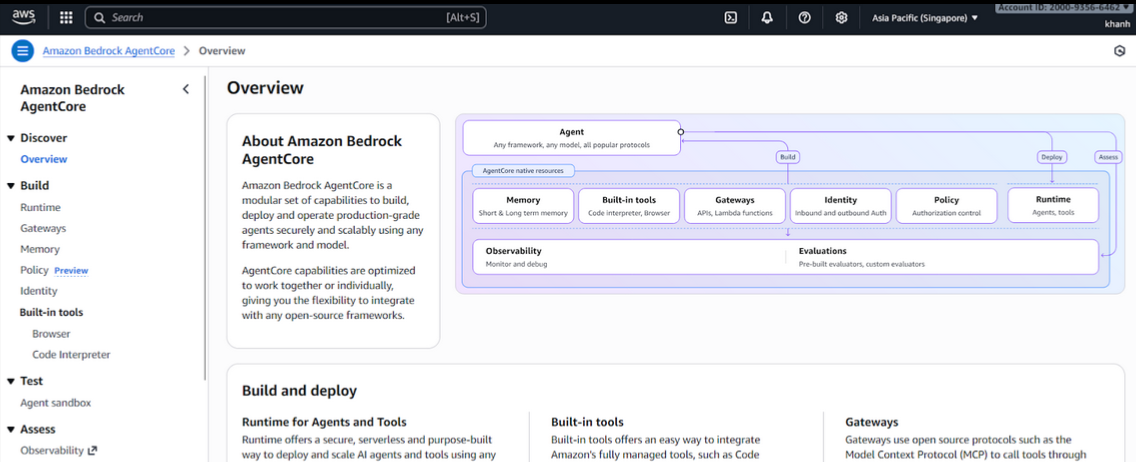
Configuring Memory in AgentCore
To enable memory for AgentCore, follow the steps below.
1. Create Memory in Bedrock
- Go to Bedrock → select AgentCore.
- Switch to the Memory tab.
- Click Create memory.
In the memory creation interface, you will see the following sections:
Memory name
Set the name for the memory that AgentCore will use.
Short-term memory (raw event) expiration
The number of days detailed conversation history is stored. For this demo, you can keep the default 90 days.
2. Types of Memory in AgentCore
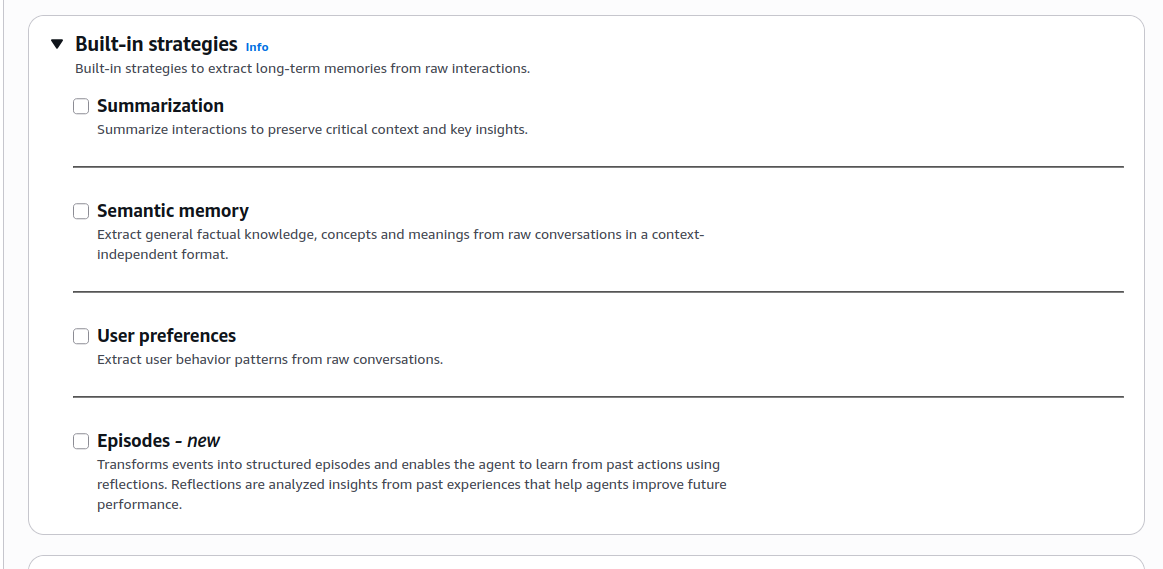
1. Summarization – Conversation Summaries
Function: Summarizes the conversation after it ends or periodically. Purpose: Keeps long-term context while using minimal storage.
Example: You have 100 messages about AWS CLI errors → later the Agent remembers:
“The user was experiencing AWS CLI connection issues.”
2. Semantic Memory
Function: Stores key facts or knowledge independent of context. Purpose: Used to answer questions based on previously mentioned information.
Example:
“Project A uses Python 3.9.” Ask again later → Agent responds with Python 3.9 immediately.
3. User Preferences
Function: Learns user habits and communication style. Purpose: Personalizes responses.
Example: If you often say:
“Keep the answer short.” The Agent will consistently respond concisely.
4. Episodes
Function: Stores sequences of events and analyzes success/failure through Reflections. Purpose: Helps the Agent learn from past experiences.
Example: A previous flight booking failed due to missing dates → the Agent remembers. Next time, it asks for the date first.
3. Memory Type Used in the Demo
For the demo, you only need:
Summarization
Choose Summarization and click Create to complete the setup.
4. Update Memory ID in Python
After creating a Memory, you will receive a Memory ID.
Add it to your Python file:
# AgentCore Memory Configuration
REGION = "ap-southeast-1"
MEMORY_ID = "memory_j98zj-4LFDxqB2o1"
GROQ_API_KEY = os.getenv("GROQ_API_KEY")
Be sure to update the Memory ID and Region to match your configuration.