Clean up
–
Overview
In this section, we will remove everything that was created during this workshop.
Deleting an Agent in AgentCore Runtime
- Go to Amazon Bedrock AgentCore in the AWS Console.
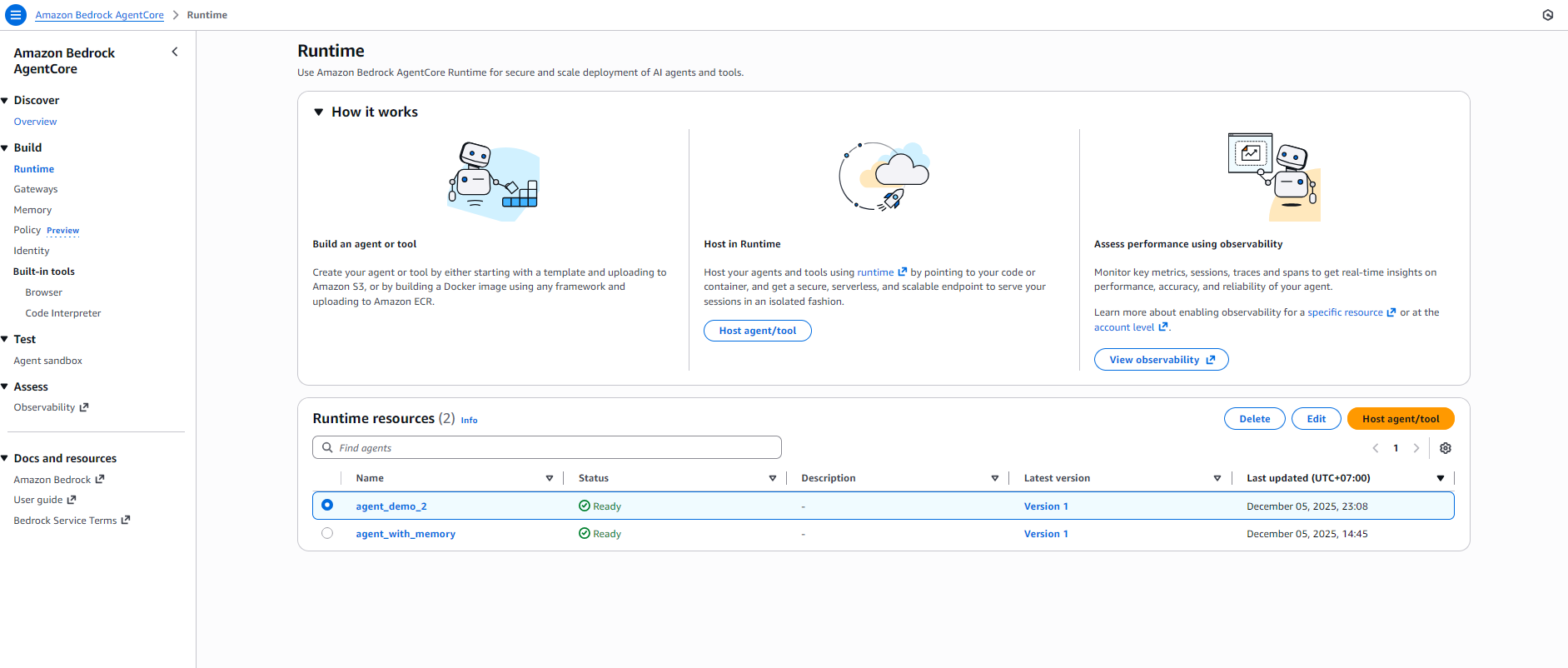
- In the left-hand menu, select Build → Runtime.
- In the Runtime resources list, you will see the agents you have created, for example:
agent_demo_2oragent_with_memory. - Select the agent you want to delete by ticking the radio button in the Name column.
- Click the Delete button at the top right.
- Confirm the deletion when AWS prompts you. The agent will be permanently removed from the Runtime resources list.
Deleting a Memory in AgentCore
After deleting an agent in Runtime, you can manage or delete the Memory that the agent used:
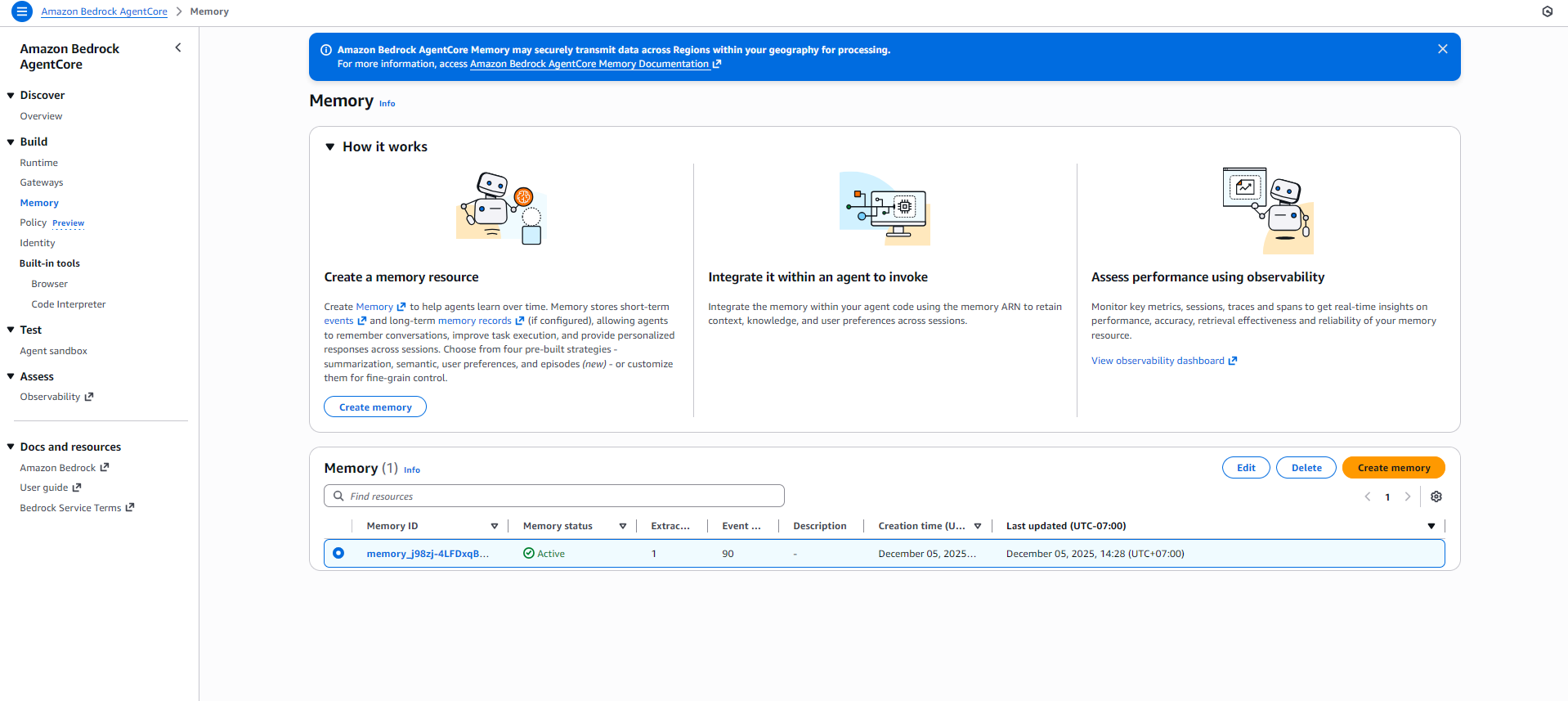
- In the left-hand menu, select Build → Memory.
- In the Memory resources list, select the memory you want to delete.
- Click the Delete button at the top right.
- Confirm the deletion when AWS prompts you. The memory will be removed from the system.